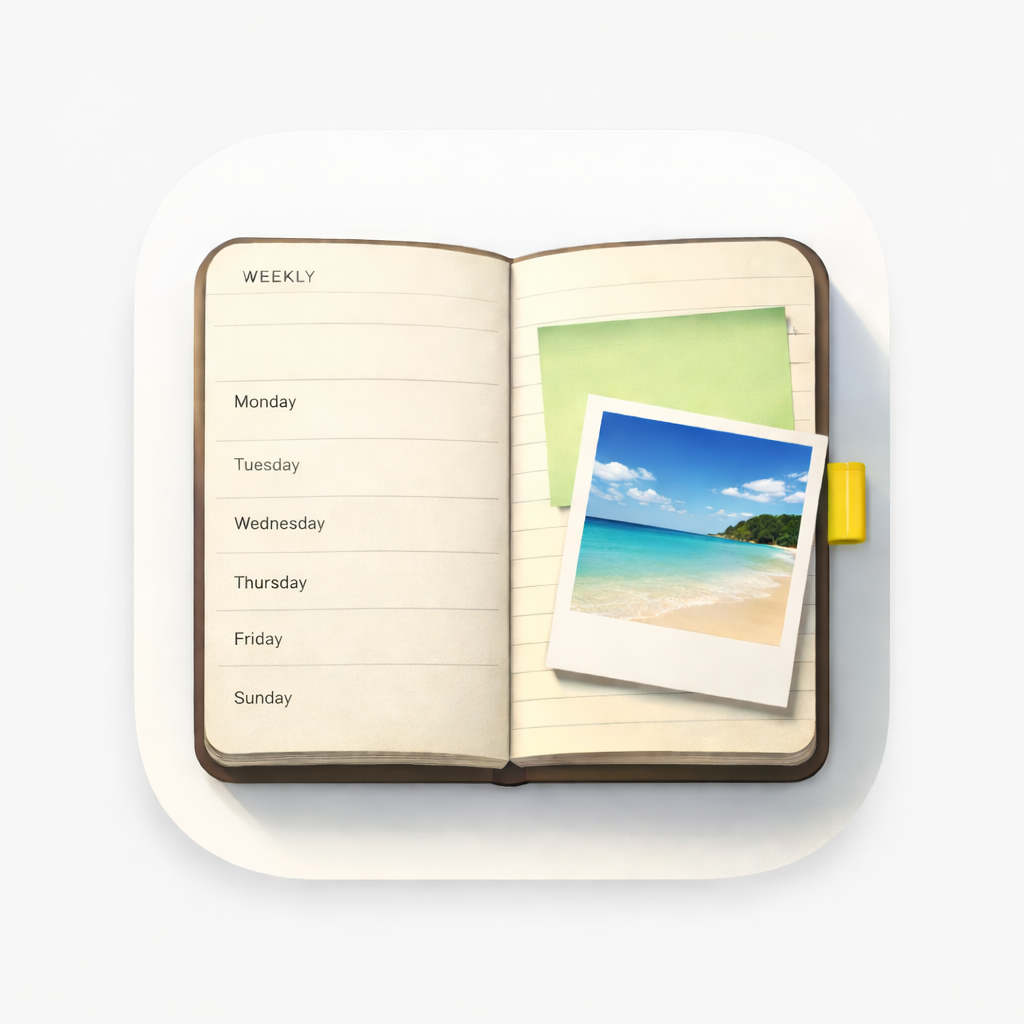
Planner vs calendar
A weekly planner is not a calendar — and WeekPad is a weekly planner
A calendar app answers "when": it holds timed events, invitations and alerts. A weekly agenda app answers "what this week looks like". WeekPad is the second kind — one week per page on iPhone and iPad, with space to write rather than slots to fill.
What WeekPad does that a calendar doesn't
WeekPad gives you a week-to-view page you can write on freely. There is no hour grid, so a day can hold three lines or thirty. Notes are plain text with bullets and literal "[ ]" checklists. Photos, document scans and files live on the day they belong to, which a calendar entry can't really hold. Search finds your words and jumps to the day. Separate agendas — Work, Personal, Journaling — never mix.
What a calendar does that WeekPad doesn't
WeekPad has no time slots, no invitations, no shared calendars and no reminders, and it sends no notifications at all. If you need to be alerted at 14:45, that belongs in your calendar. Many people keep both: the calendar for appointments, WeekPad for the week itself. WeekPad is the closest thing to a paper planner on your iPhone, and a paper planner never rang either.
Why WeekPad feels like paper rather than software
WeekPad is a weekly planner app for iPhone and iPad, and it earns the comparison to paper by keeping the same constraints a paper agenda keeps. You see one week at a time and you swipe to turn the page, the way you would with a printed week-to-view planner. WeekPad sends no notifications at all — not fewer, none — and it keeps no streaks, so nothing in it ever asks for your attention. It works entirely offline, and there is no account to create, because WeekPad has no accounts and no servers of ours at all.
- One week to view, Monday to Sunday, with room to write under each day.
- You swipe to turn the page, week to week, like a printed agenda.
- No notifications at all — not fewer, none.
- No streaks, no badges, nothing keeping score.
- Works entirely offline, on the device in your pocket.
- No account, with us or with anyone.
Where paper still wins, honestly
WeekPad is not a calendar: there are no time slots, no invitations and no reminders. There is no stylus or Apple Pencil handwriting in WeekPad — you type — but you can photograph or scan handwritten notes straight onto the day they belong to. And WeekPad Sync is not a backup: it keeps your devices matching each other, so a deletion travels with everything else. Your own Exports are the only backup.
Start with this week
Getting WeekPad from the App Store gives you the whole app offline — as many agendas as you like, with notes, photos, checklists, search and Export. WeekPad Sync is the one optional subscription, and it only adds syncing. The agendas you've already written stay yours to read and edit.