A weekly planner that lets you breathe

Your week, on paper — without the paper

One week to a page. Write your days, add photos and sticky notes, then close it and get on with life.

No accounts, no servers of ours, no tracking. Optional WeekPad Sync keeps your planners in your own iCloud.

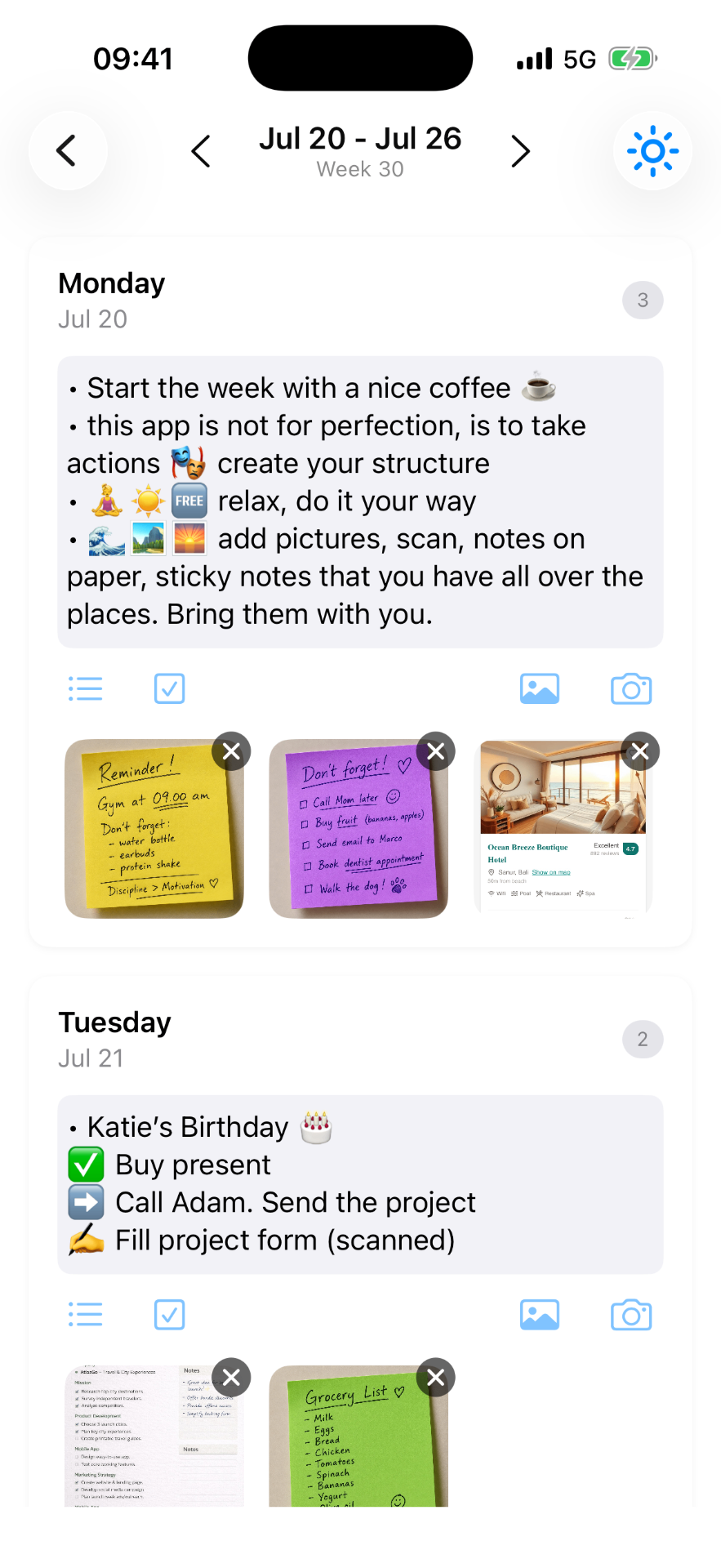
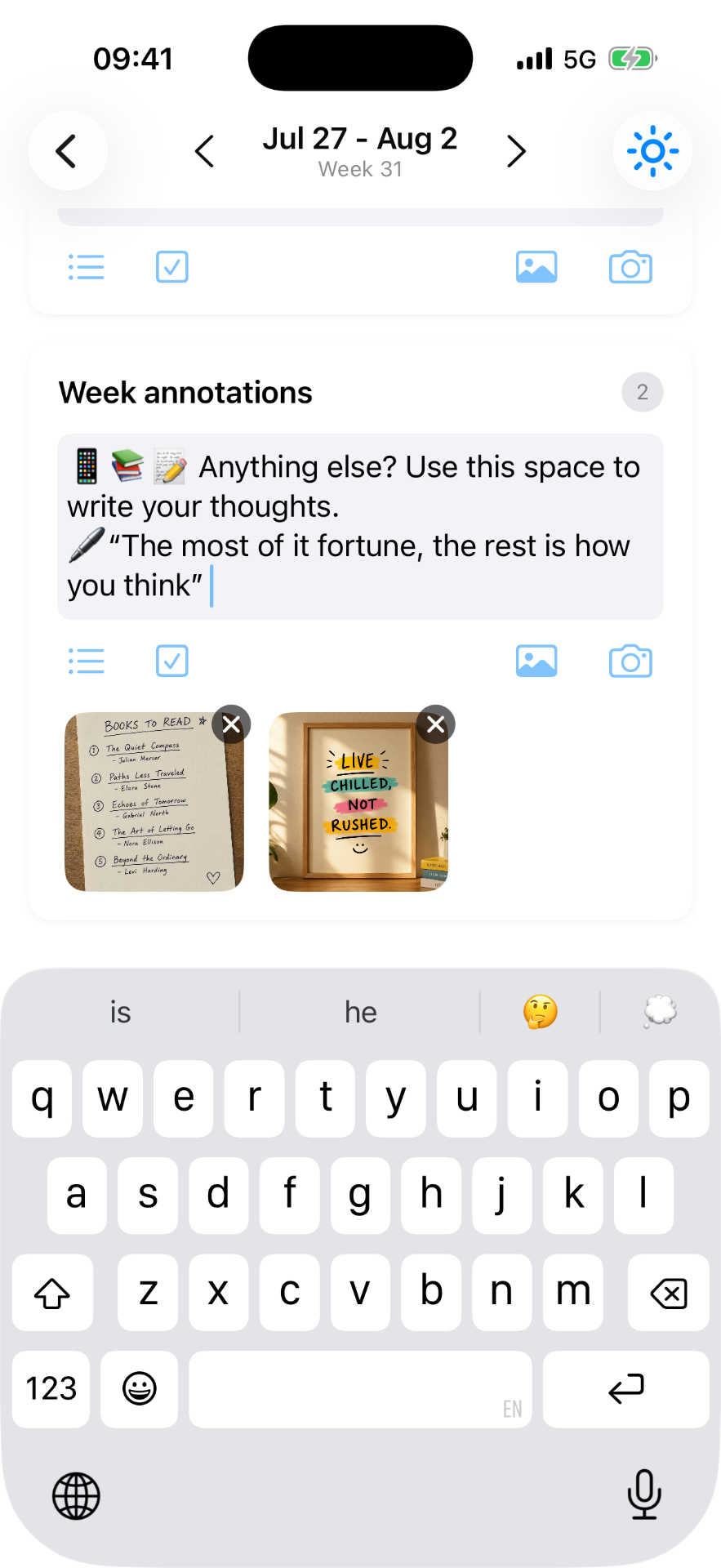
WeekPad week view on iPhone, with notes and photos

A look inside

Just this week, and room to write

Open it and there's one page for seven days — you browse it like paper, swiping week to week. Write, add the photo from the weekend, scan the sticky note off the fridge, and turn the page when you are ready.

Keep the real stuff — WeekPad on iPhone
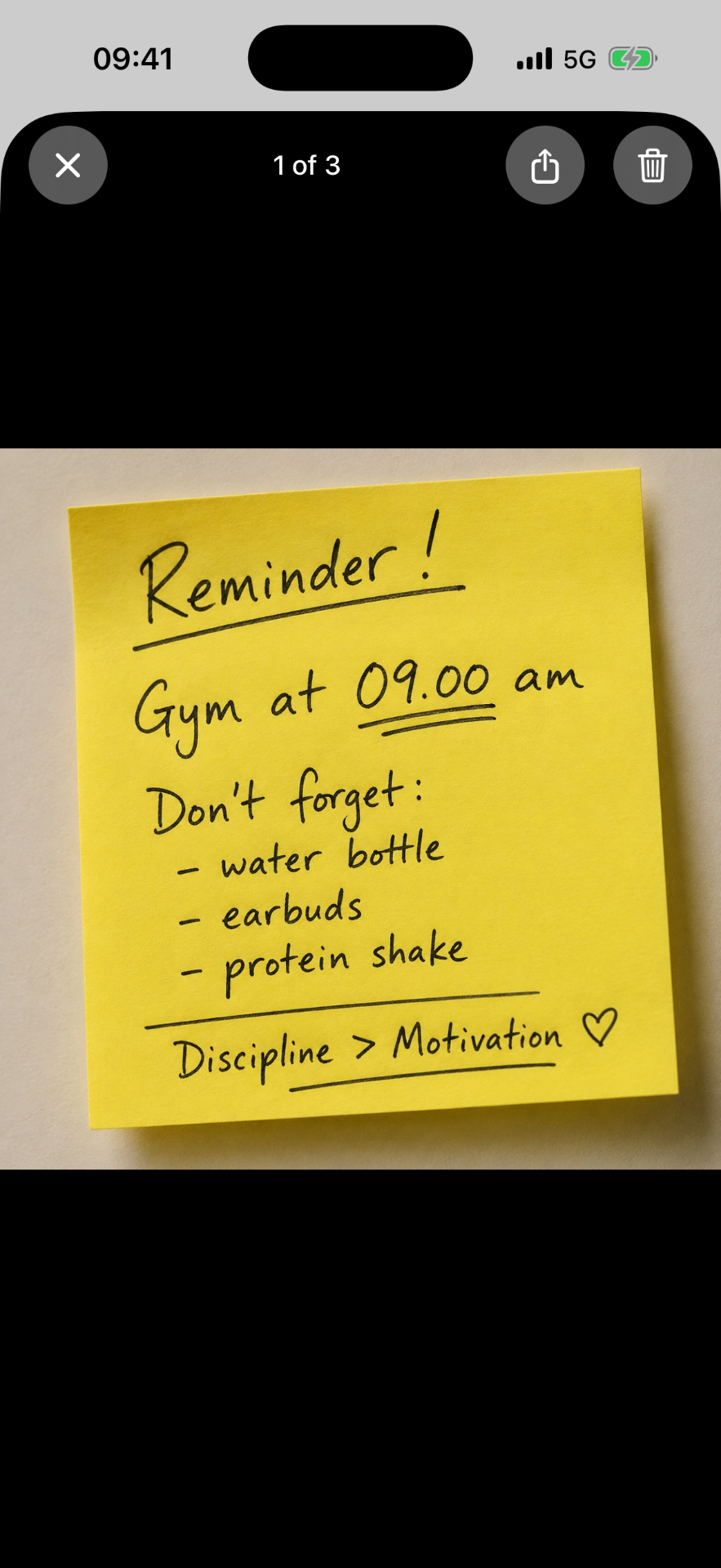
Keep the real stuffPhotos and sticky notes on the day they belong to.
Share it in — WeekPad on iPhone
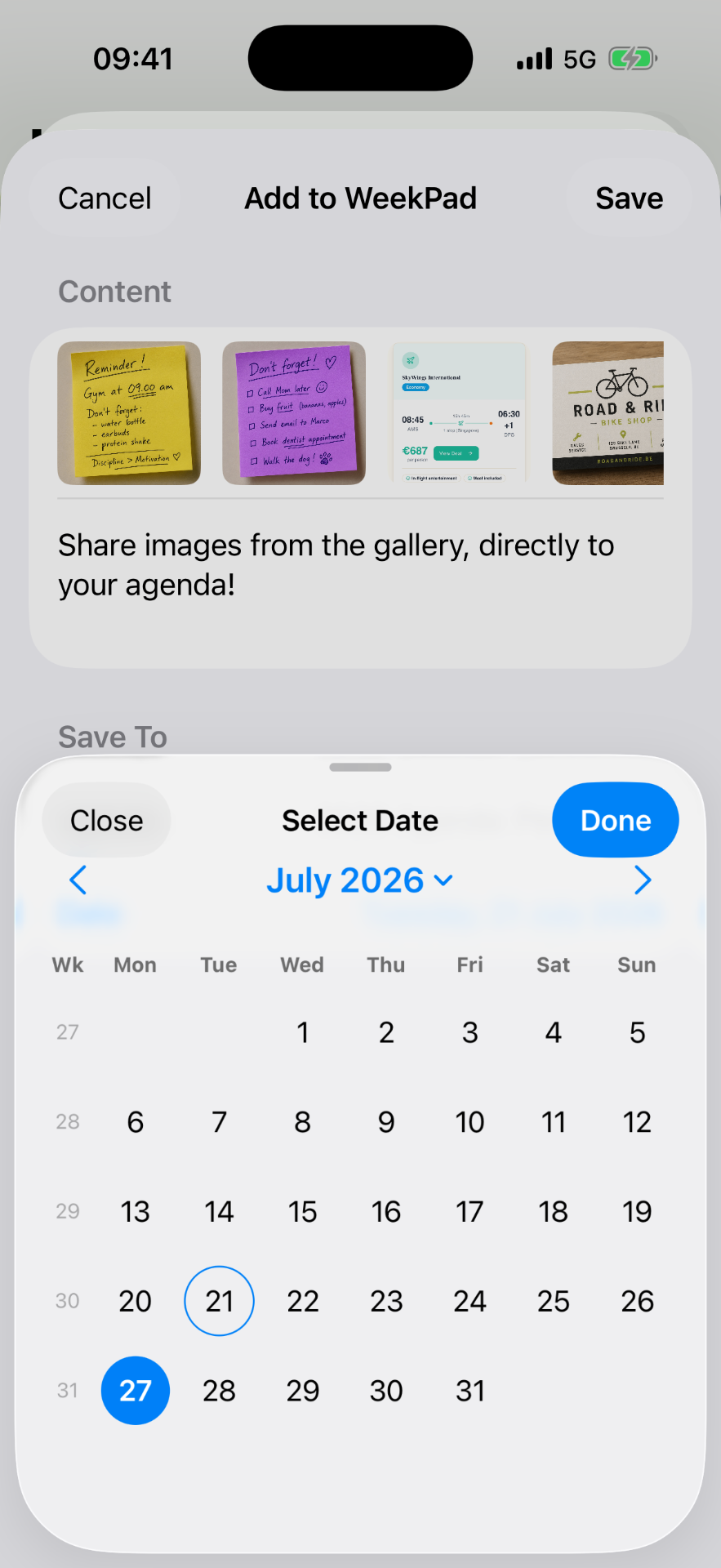
Share it inSend a photo or note from any app to a day.
Room for the week — WeekPad on iPhone
Room for the weekAn extra space for thoughts that don't fit one day.

WeekPad is free to use and comes with your first agenda, with every feature included. More agendas come with the one-time Unlimited Agendas purchase, and syncing across devices comes with WeekPad Sync.

Why WeekPad exists

We kept buying paper agendas, and half-filling them

Every year a new weekly agenda. Every February, three of them — plus notes on the phone, photos of sticky notes, screenshots of things to remember. The agenda held half the story; everything else drifted.

WeekPad keeps what paper did well — a week you can see, room to write, silence — and lets the photos, scans and sticky notes land on the day they belong to. It's a weekly planner, not a calendar and not a to-do list: no notifications, no streaks, nothing chasing you.
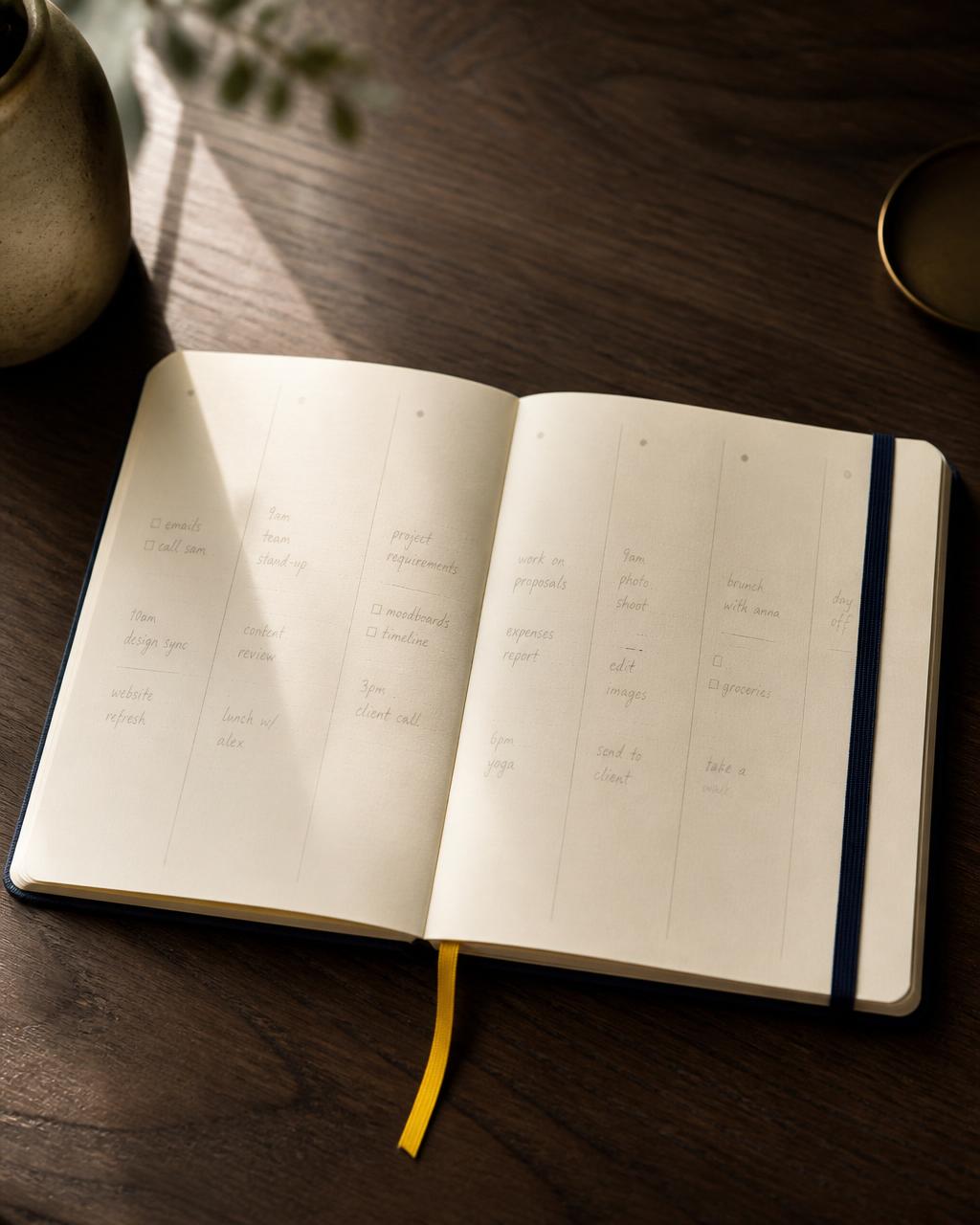
A premium weekly paper agenda open on a walnut desk, with cream pages, a blue elastic band and a yellow bookmark ribbon
The weekly planner we kept coming back to — beautiful, but only half the story.
Read the whole story

Your planners

One place for the different parts of your life

WeekPad is free to use and comes with your first agenda — a clean notebook to try the week out, with every feature included.

When life asks for more room, Unlimited Agendas is a one-time purchase, and it's also included with WeekPad Sync. Each agenda is its own quiet space that never mixes with the others.

WorkPersonalSport & healthJournalingProjects

Free

Included with the app

  • Your first agenda
  • Writing, notes, bullets and [ ] checklists
  • Photos, document scans and files on the day
  • Share into the app from anywhere
  • Search and Export

Unlimited Agendas

A one-time purchase

  • Everything in Free
  • As many separate agendas as you like
  • Kept on your device
  • Bought once — it stays yours

WeekPad Sync

A subscription, with a free trial

  • Everything in Unlimited Agendas
  • Weeks, notes and photos across your Apple devices
  • Held privately in your own iCloud
  • Renews automatically; cancel anytime in your Apple Account

Whatever you choose, the agendas you've already written always stay yours to read and edit. If a subscription lapses, syncing simply pauses — nothing on your device is locked or removed.

Private by design

No account with us. No database. No servers of ours.

We can't see what you write — there is nothing on our side for it to pass through. No ads, no trackers, no analytics, no data brokers.

Your planners live on your device, and with WeekPad Sync in your own iCloud. Only you and Apple. Never us.

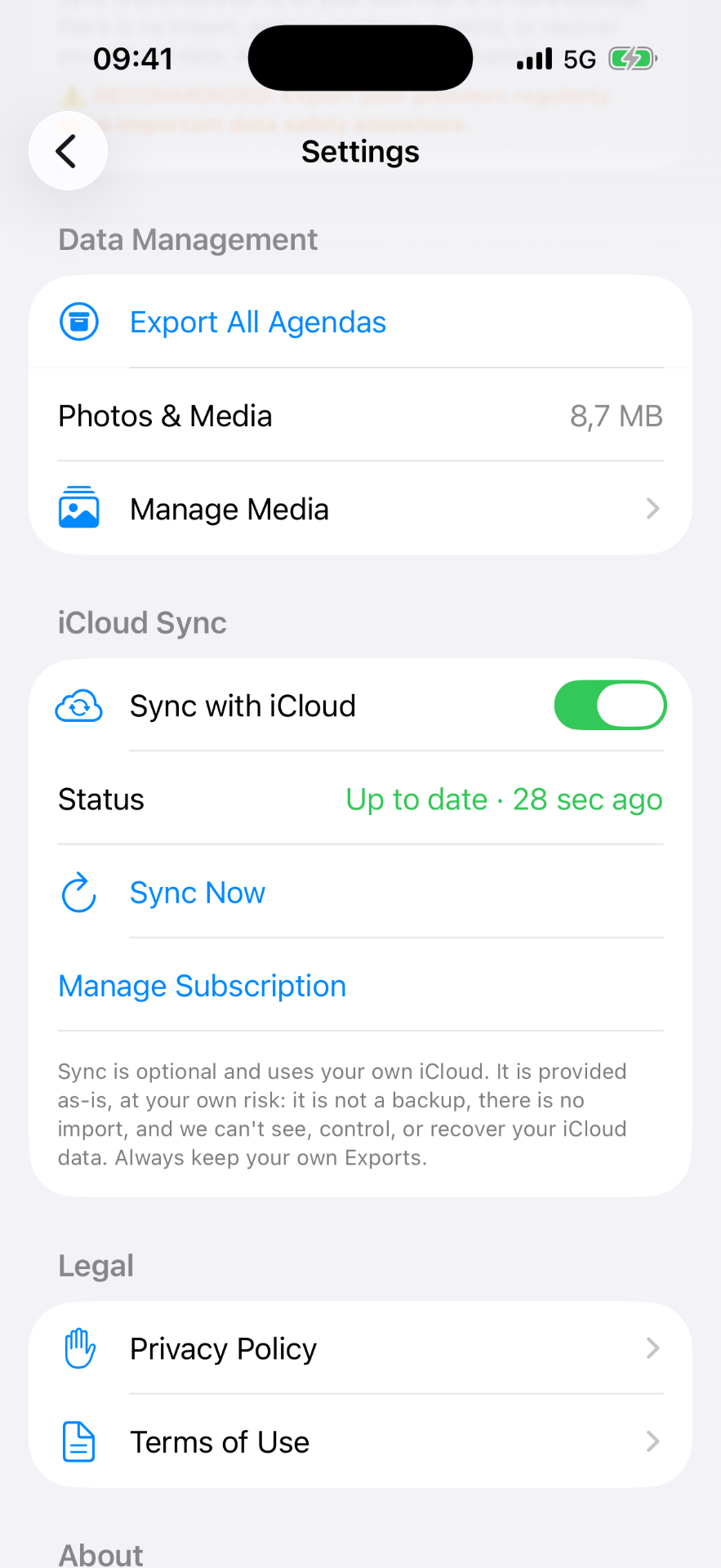
WeekPad settings showing WeekPad Sync and data management

WeekPad Sync — optional

Your weeks, on every Apple device you own

Weeks, notes and photos across your Apple devices, held in your own private iCloud. Off by default, nothing to configure.

WeekPad Sync is the subscription, with a free trial, and it includes unlimited agendas as well as syncing. It renews automatically and can be cancelled anytime in your Apple Account. Photos are optimized automatically — resized, compressed to about a megabyte, HEIC to JPEG — so they stay sharp without weighing your iCloud down.

Whatever you choose, the agendas you've already written always stay yours to read and edit.

FAQ

Short, honest answers

An honest note

WeekPad and WeekPad Sync are provided as-is, entirely at your own risk. WeekPad Sync is not a backup, there is no import, and we can't see, control, or recover your iCloud data. Always keep your own Exports.