Our story
It started with a paper agenda we kept buying
Every December, a new weekly agenda. Every February, three of them — one in the bag, one on the desk, one nobody could find. And around them, notes on phones, photos of sticky notes, screenshots of things to remember.
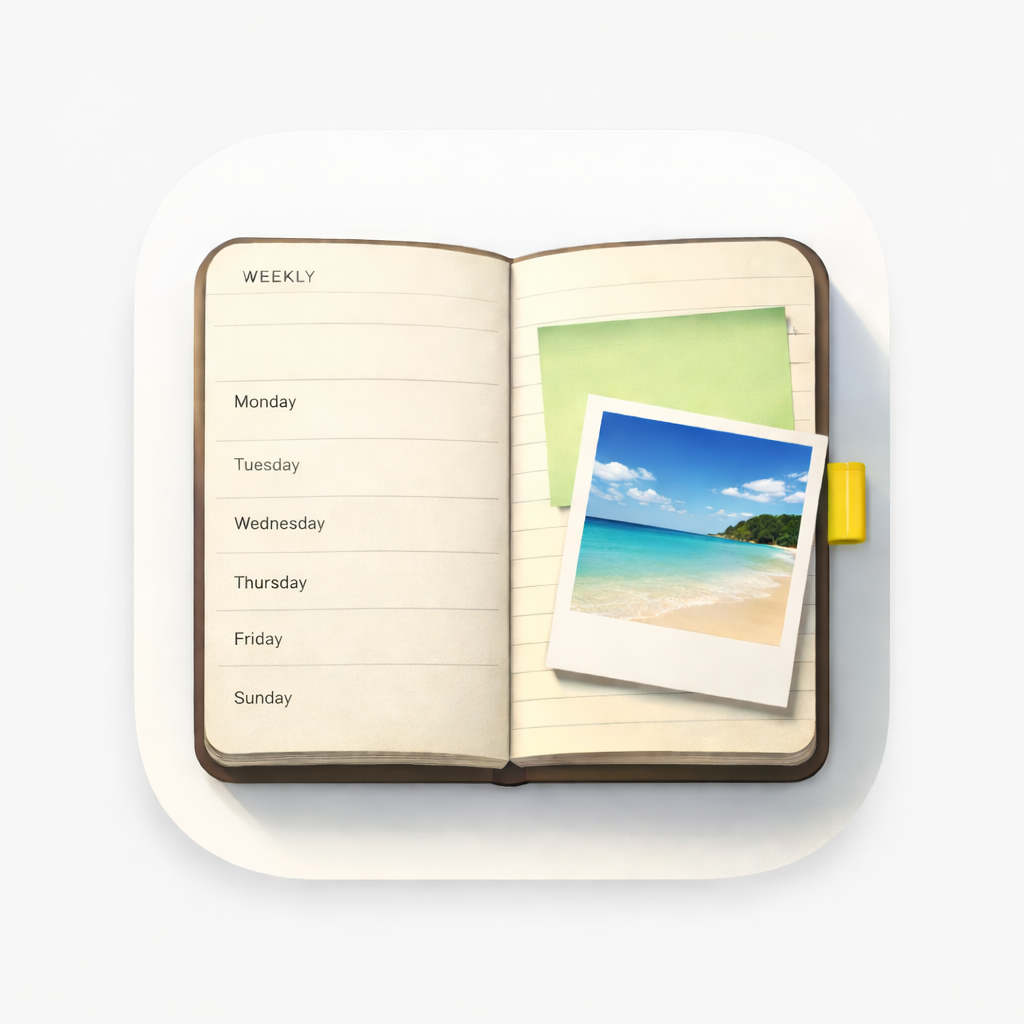
WeekPad is the quiet answer to that: a digital weekly planner that kept the part of paper we loved, and let go of the part we didn't.
What we loved about paper
A paper week asks nothing of you. It doesn't ping, it doesn't rank your day, it doesn't congratulate you for a streak. You open it, you see seven days at once, you write a few words in a corner, and you close it. The week is a shape you can hold.
That shape is the whole idea. One week to a page, Monday to Sunday, with room underneath for the thoughts that belong to the week rather than to a single day.
What we didn't love
Paper can't hold a photo of the fridge sticky note, or the scan of a form, or the screenshot a friend sent on a Tuesday. Those pieces ended up scattered across apps, and the agenda slowly became half of the story.
So in WeekPad, a photo, a document scan, a snap of a sticky note, or something shared from another app all land on the day they belong to — right next to the words you wrote.
Why it never nags
Most planner apps grow into calendars: reminders, badges, streaks, a small daily pressure. We left all of it out on purpose. There are no notifications and no streaks in WeekPad. You turn the page when you are ready, not when a notification decides.
Why there is no account
A weekly agenda is one of the most personal things a person writes in. It felt wrong to ask for it. So we built WeekPad with no account, no database and no servers of our own — there is nothing on our side for your words to pass through. If you turn on Sync, your planners live in your own Apple iCloud: only you and Apple, never us.
It also means we can't recover anything for you. That's the honest trade, and it's why Exports matter — they are your only backup.
Who it turned out to be for
People replacing a paper planner with something they carry anyway. People keeping separate agendas for work, personal life, sport and health, journaling, and projects — WeekPad doesn't count them, and getting the app is all it takes. People who tried a to-do app and quietly went back to a notebook.
Start with this week
Getting WeekPad from the App Store gives you the whole app offline — as many agendas as you like, with notes, photos, checklists, search and Export. WeekPad Sync is the one optional subscription, and it only adds syncing. The agendas you've already written stay yours to read and edit.