Questions and answers
Questions about WeekPad, answered plainly
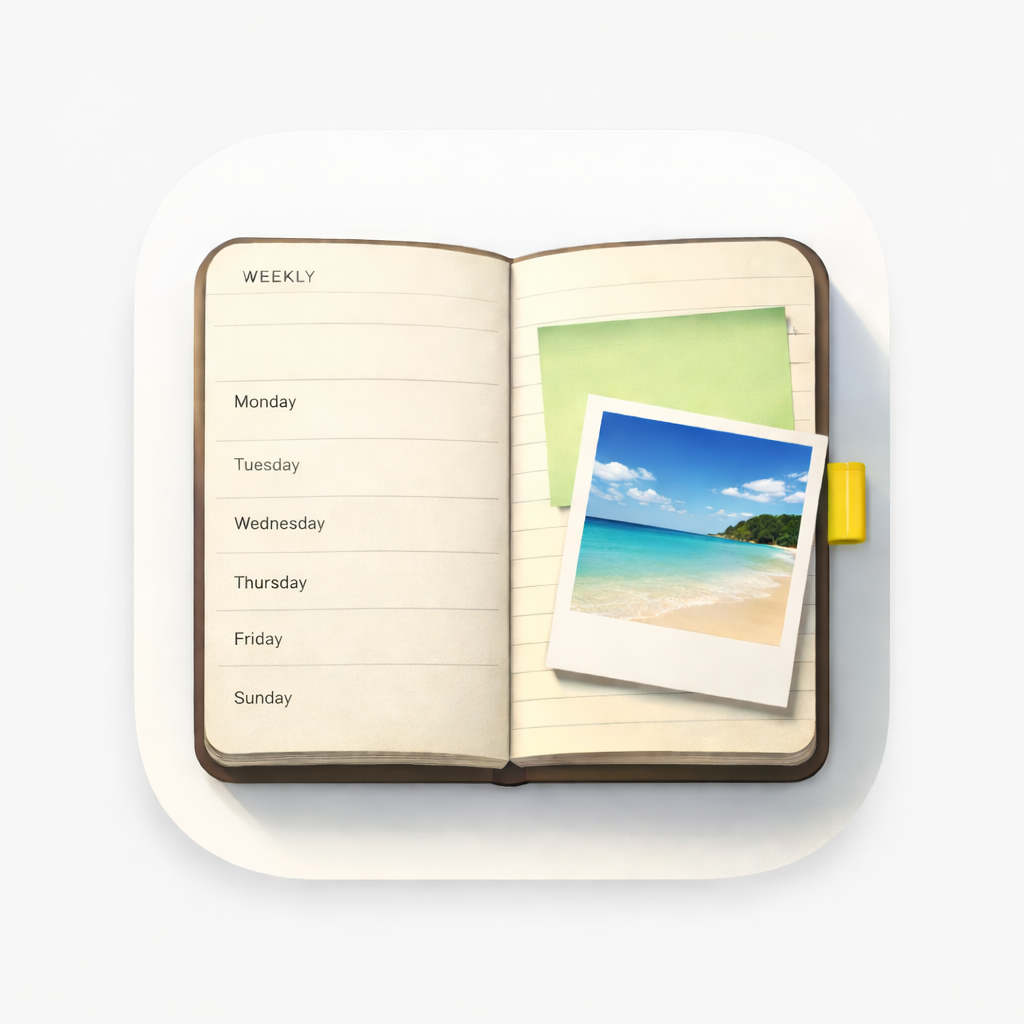
WeekPad is a weekly planner app for iPhone and iPad: one week per page, no notifications, no account, working entirely offline. These are the questions people ask before getting it.
Is WeekPad free?
No. WeekPad is a paid app on the App Store. Getting WeekPad unlocks the complete app on your device — as many agendas as you like, notes, photos, checklists, search, sharing and Export, all working offline. Nothing inside the app is locked behind anything else, and the price is shown only on the App Store, because it differs by country and can change.
Earlier versions of WeekPad were free to download and included one agenda, with a one-time unlock for more. That unlock has been retired. Anyone who already has WeekPad keeps it, and the agenda limit is gone for them too.
Is WeekPad a subscription?
The app itself is not a subscription. WeekPad Sync is: it is an optional auto-renewable subscription, with a free trial, and it is the only thing sold inside WeekPad. It adds syncing through your own iCloud and no other feature. It renews automatically unless cancelled, and is managed and cancelled in your Apple Account.
Does WeekPad work offline?
Yes. WeekPad works entirely offline. Your planners are written and read on your device, with no connection required and nothing of ours in between.
Does WeekPad need an account?
No. WeekPad has no accounts, no database and no servers of ours. You never sign up, and there is nothing for us to look up about you. Optional WeekPad Sync uses your own Apple iCloud, not an account with us.
Is WeekPad a calendar app?
No. WeekPad is a weekly planner: one week per page, Monday to Sunday, with room to write under each day. There are no time slots, no invitations and no reminders, and WeekPad sends no notifications at all. Many people keep a calendar for appointments and WeekPad for the week itself.
Can I write by hand in WeekPad?
No. There is no stylus or Apple Pencil handwriting in WeekPad — notes are typed plain text with bullets and literal "[ ]" checklists. You can photograph or scan handwritten notes straight onto the day they belong to, which is how most people keep handwriting in their week.
Is my data private in WeekPad?
Yes, in the plainest sense: we hold none of it. There is no account with us, no database and no server of ours, and no ads, trackers or analytics SDKs. Your planners live on your device, and with WeekPad Sync in your own Apple iCloud — only you and Apple, never us.
What happens if I stop subscribing to WeekPad Sync?
Syncing pauses, and nothing on your device is removed or locked. The agendas you've already written stay readable and editable, and the rest of the app is unaffected, because Sync adds only syncing.
Does WeekPad sync between iPhone and iPad?
With WeekPad Sync on, yes — your weeks, notes and photos appear on your Apple devices through your own iCloud. Sync is off by default. It is not a backup: it keeps your devices matching each other, so a deletion travels with everything else, and there is no import. Keep your own Exports.
Can I export my data from WeekPad?
Yes. Export is included in the app, and your Exports are the only backup that doesn't depend on us, on Apple, or on Sync. We cannot see, control or recover your iCloud data, so export regularly and keep anything important stored safely elsewhere too.
Why WeekPad can say that
WeekPad is a weekly planner app for iPhone and iPad, and it earns the comparison to paper by keeping the same constraints a paper agenda keeps. You see one week at a time and you swipe to turn the page, the way you would with a printed week-to-view planner. WeekPad sends no notifications at all — not fewer, none — and it keeps no streaks, so nothing in it ever asks for your attention. It works entirely offline, and there is no account to create, because WeekPad has no accounts and no servers of ours at all.
- One week to view, Monday to Sunday, with room to write under each day.
- You swipe to turn the page, week to week, like a printed agenda.
- No notifications at all — not fewer, none.
- No streaks, no badges, nothing keeping score.
- Works entirely offline, on the device in your pocket.
- No account, with us or with anyone.
Where paper still wins, honestly
WeekPad is not a calendar: there are no time slots, no invitations and no reminders. There is no stylus or Apple Pencil handwriting in WeekPad — you type — but you can photograph or scan handwritten notes straight onto the day they belong to. And WeekPad Sync is not a backup: it keeps your devices matching each other, so a deletion travels with everything else. Your own Exports are the only backup.
Still deciding?
The App Store page shows what WeekPad looks like, and what it costs where you are.
Start with this week
Getting WeekPad from the App Store gives you the whole app offline — as many agendas as you like, with notes, photos, checklists, search and Export. WeekPad Sync is the one optional subscription, and it only adds syncing. The agendas you've already written stay yours to read and edit.