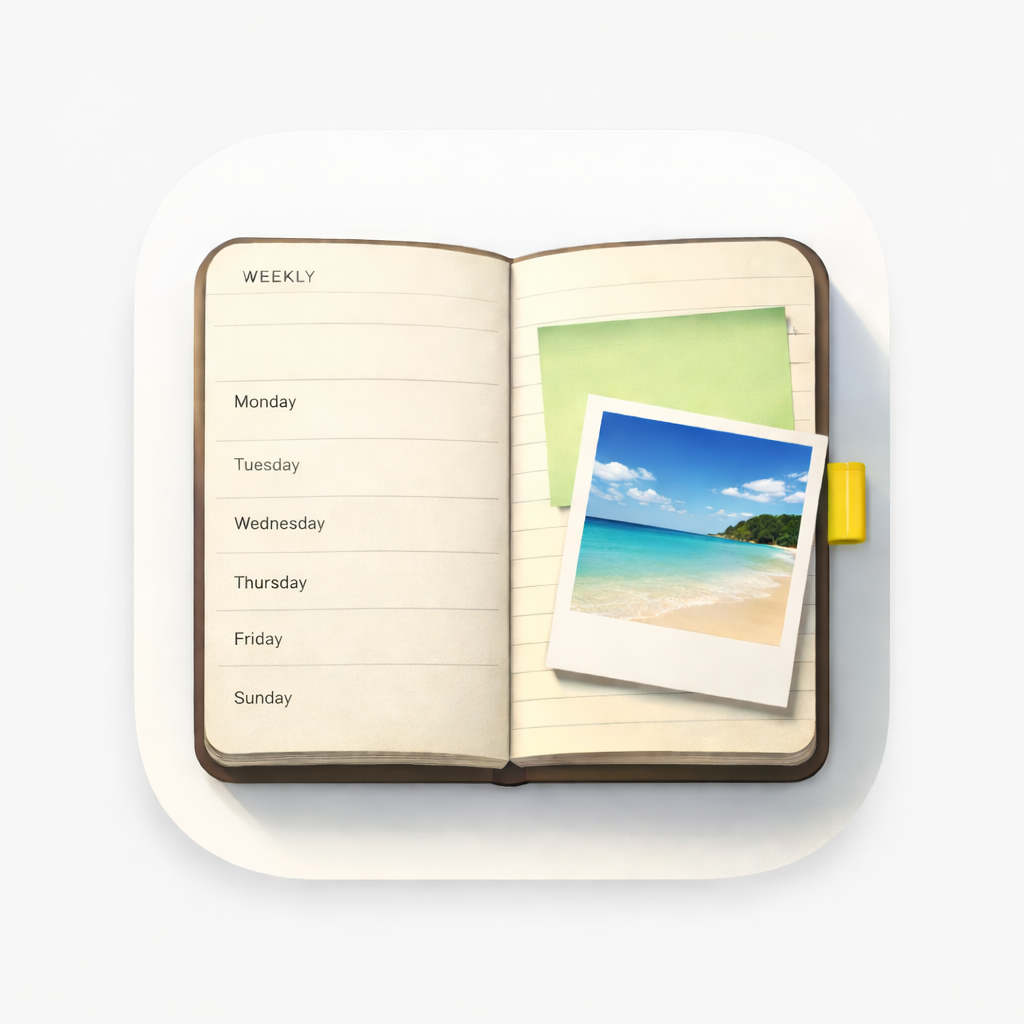
Paper planner alternative
Leaving the paper agenda, keeping the feeling
If you've bought a weekly agenda every year and half-filled it every year, this is for you. WeekPad keeps what paper did well — a week you can see, space you can write in, silence — and quietly adds what paper couldn't hold.
The week stays a week
Monday to Sunday on one page. You scroll the days, swipe forward when the week is done, and write under whichever day you like. Nothing reshuffles itself, nothing scores you.
The sticky notes come with you
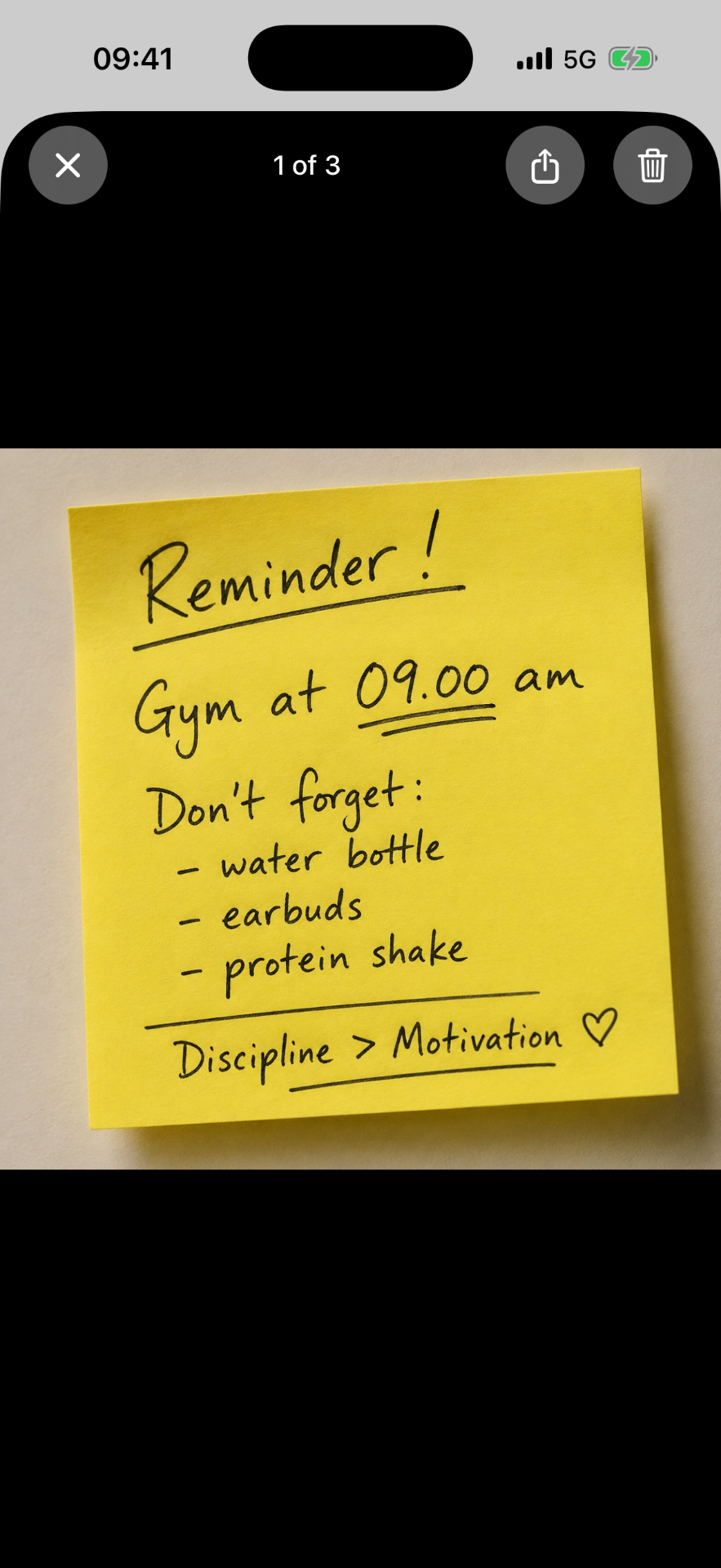
The note on the fridge, the receipt, the form to sign, the screenshot from a friend: snap or scan it and it sits on the day it belongs to. You can also share a photo or a note into WeekPad from any app, straight onto the right day.
Several agendas instead of several notebooks
Work, Personal, Sport & health, Journaling, Projects — keep as many as you like, because WeekPad doesn't count them. Each is its own clean notebook that never mixes. No more carrying two agendas and losing the third.
It never asks for your attention
No notifications. No streaks. No badges. WeekPad waits until you open it, the way a notebook on a shelf does.
And it stays yours
A paper agenda has no account, so ours doesn't either. No database, no servers of ours, no trackers — we can't see what you write. With optional Sync, your planners live in your own Apple iCloud across your Apple devices. WeekPad Sync isn't a backup and we can't recover anything, so keep your own Exports.
Common questions
- Can a digital planner really replace a paper agenda?
- It can when it keeps the same shape: one week to a page, free space to write, and no pressure. WeekPad is built that way — no notifications, no streaks, no feed.
- What do I gain over paper?
- Photos, document scans and sticky-note snaps live on the day they belong to, search finds your words, and with optional WeekPad Sync the same week is on your Apple devices.
- What do I lose?
- Handwriting and the paper itself. WeekPad notes are plain text with bullets and literal [ ] checklists — quiet and simple, but typed.
- Can I import my old paper planner?
- There is no import. Many people photograph or scan a few key pages into the right week and start fresh from there.
Start with this week
Getting WeekPad from the App Store gives you the whole app offline — as many agendas as you like, with notes, photos, checklists, search and Export. WeekPad Sync is the one optional subscription, and it only adds syncing. The agendas you've already written stay yours to read and edit.