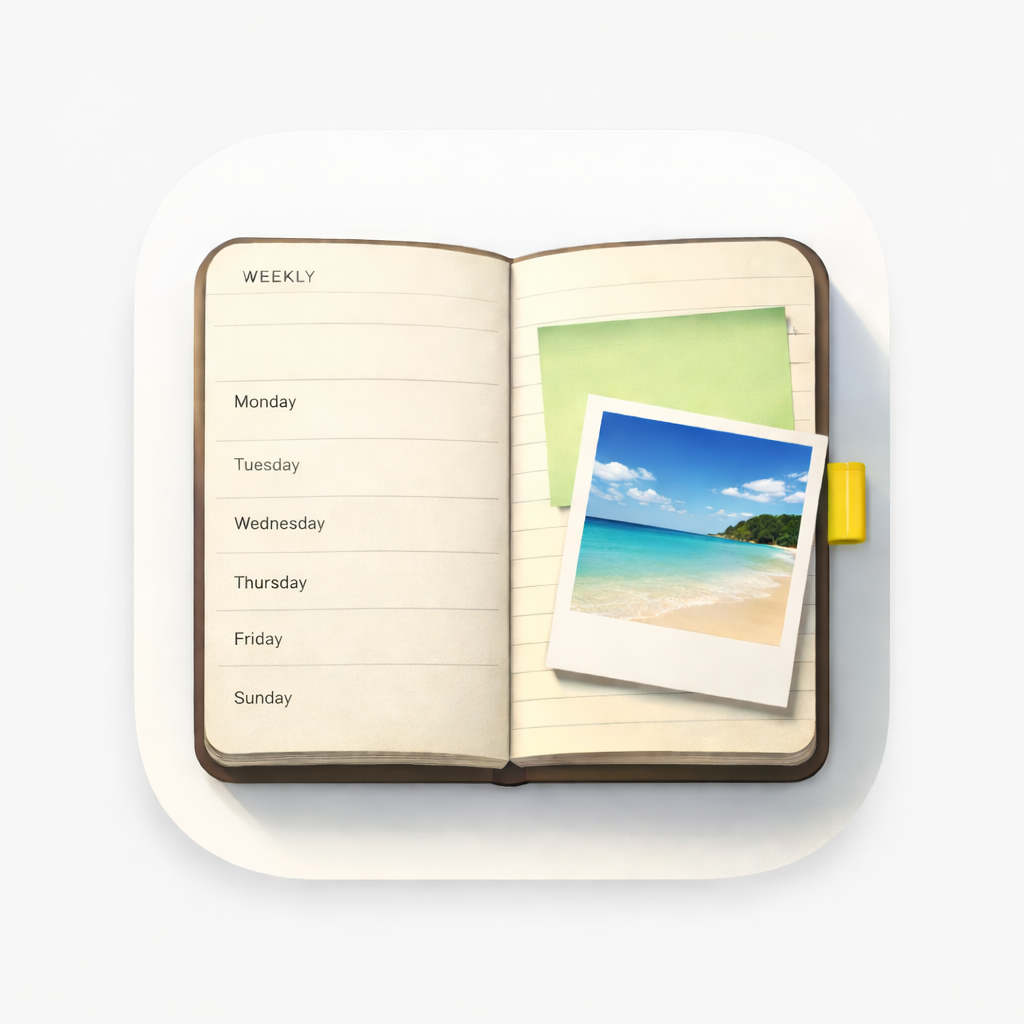
Digital weekly planner
A digital weekly planner that still feels like paper
WeekPad is a weekly planner app for iPhone and iPad. One week to a page, Monday to Sunday, with room to write under each day — and room underneath for the week itself.
No feeds, no notifications, no streaks. You open it, you write, you close it.
What one week to a page means
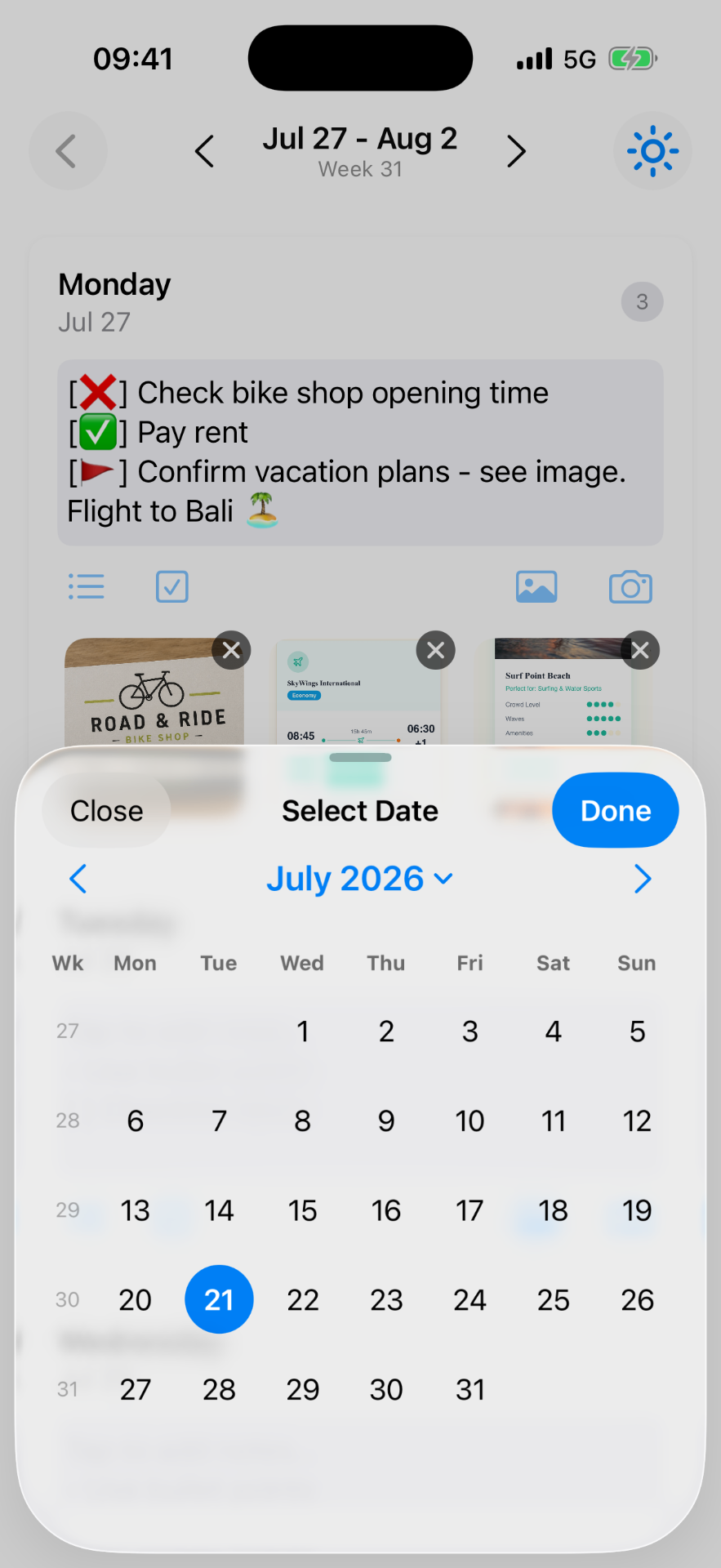
The whole week sits in front of you at once. You scroll through the days, swipe to the next week, or pick a date and land there. Notes are plain text with bullets and simple checklists written literally as [ ] and [x] — nothing to format, nothing to fiddle with.
Planner, calendar, or to-do list?
A calendar is for appointments at a time. A to-do app is for tasks that chase you. A weekly planner is for the shape of the week: a few words on Tuesday, a photo from Saturday, a list you'll half-finish and that's fine.
WeekPad is only the third one. It doesn't try to become the other two, and it never sends you a reminder.
The things paper couldn't hold
Attach photos, document scans, sticky-note snaps and files to the day they belong to, or share something into WeekPad straight from another app. Every image is optimized automatically — resized to a crisp on-screen size, compressed to about a megabyte, and converted from Apple HEIC to widely-readable JPEG — so your planner stays light.
Several planners, kept apart
Keep as many agendas as you like — WeekPad doesn't count them. Work, Personal, Sport & health, Journaling, Projects — each its own clean notebook, and they never mix. The agendas you've already written always stay yours to read and edit.
Private, with optional WeekPad Sync
There is no account with us, no database, and no server of ours. No ads, no trackers, no analytics SDKs. Planners live on your device; with optional WeekPad Sync they live in your own Apple iCloud across your Apple devices — only you and Apple, never us.
WeekPad Sync is not a backup: a deletion syncs everywhere, and we can't recover anything. Keep your own Exports.
Common questions
- What is a digital weekly planner?
- A digital weekly planner shows a whole week on one page — usually Monday to Sunday — with space to write under each day. Unlike a calendar, it isn't built around timed events, and unlike a to-do app, it isn't built around tasks and reminders. WeekPad is a weekly planner app for iPhone and iPad built exactly this way.
- How is a weekly planner app different from a calendar app?
- A calendar answers 'when'. A weekly planner answers 'what this week looks like'. In WeekPad you write in plain text under each day, add bullets and literal [ ] and [x] checklists, and attach photos or scans — with no invitations, alerts or scheduling.
- Can I keep more than one weekly planner?
- Yes. You can keep separate agendas — Work, Personal, Sport & health, Journaling, Projects — as many as you like, because WeekPad doesn't count them. Getting the app from the App Store includes all of them.
- Does a digital weekly planner need an account?
- WeekPad doesn't have one. There is no account with us, no database and no server of ours. Planners live on your device, and with optional WeekPad Sync in your own Apple iCloud.
- Is WeekPad free?
- No. WeekPad is a paid app on the App Store, and getting it unlocks the complete app offline — as many agendas as you like, notes, checklists, photos, search and Export, with nothing further to unlock inside. WeekPad Sync is the only subscription, and it only adds syncing.
Start with this week
Getting WeekPad from the App Store gives you the whole app offline — as many agendas as you like, with notes, photos, checklists, search and Export. WeekPad Sync is the one optional subscription, and it only adds syncing. The agendas you've already written stay yours to read and edit.